Zapier and Make as Permanent Infrastructure
What works for testing becomes expensive and fragile as volume grows.
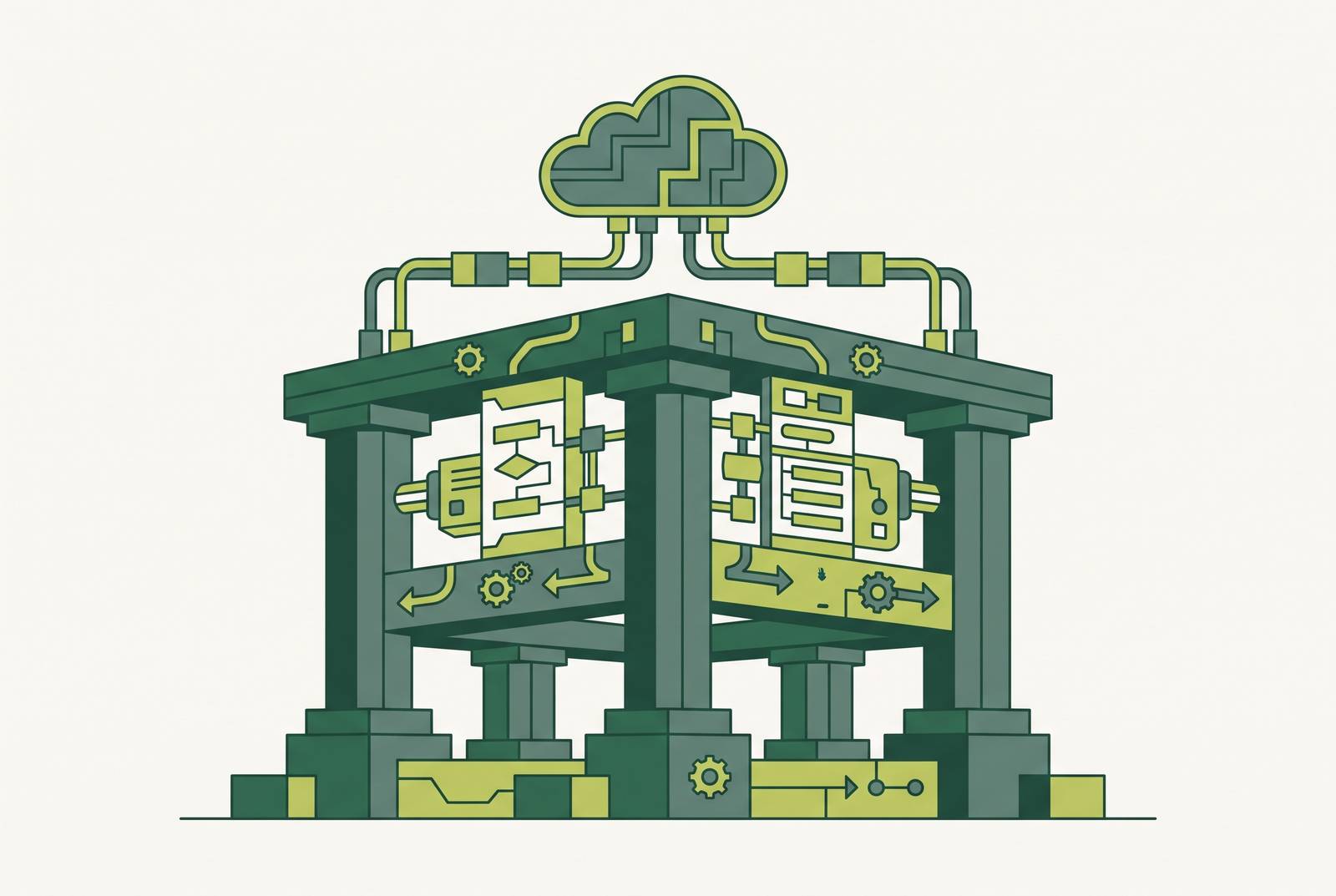
Zapier and Make earn their place early in a product's life because they let a founder test a workflow quickly instead of committing months of custom integration code to an idea that might not pan out. That bet wastes months and real money on a problem that might not exist. Speed is the actual value on offer. A non-technical founder can connect a signup form to a CRM to a Slack alert in an afternoon, and at the MVP stage, that is precisely the right move. The trouble starts later, and quietly. No one decides one day to make Zapier their company's permanent infrastructure. Workflows accumulate one at a time, each one reasonable on its own, until a tool that was supposed to be scaffolding is holding up the building.
What "load-bearing" means for a growing product
A workflow earns the label "load-bearing" the moment its failure stops revenue, breaks something a customer can see, or forces an engineer to drop everything before the business can keep moving. At that point the automation has quietly changed jobs. The workflow has become infrastructure, and infrastructure answers to a different standard than a shortcut does: a convenience can go down for an afternoon with no real cost, but infrastructure going down has a price tag attached. The useful question for any founder is not whether a workflow saves time, but what happens to the business in the hour that workflow is broken. Lead-to-CRM pipelines that a sales team checks in real time, donor acknowledgment flows that carry legal obligations for a nonprofit, payment triggers that fire the confirmation email a customer is staring at their inbox waiting for: these are the workflows that have already crossed the line, whether or not anyone noticed the crossing.
The architectural limits that only appear under real load
You build on Zapier and Make because they work for linear, fairly standardized, low-volume processes. The failure modes that appear once volume and complexity increase are not bugs to be patched. They are consequences of that original design choice, and some of them cannot be upgraded away. API rate limiting is the sharpest example. When a no-code automation hits an API's rate cap, the workflow doesn't gracefully retry and recover on its own: it suspends, a human gets an email alert, that human logs in, digs through the error to figure out what the underlying API rejected, and manually flips the workflow back on. Baytechconsulting's analysis calls this an unacceptable operational risk for anything mission-critical, like financial transactions or patient data syncing, and it's easy to see why: a process built to run unattended now depends on someone checking their inbox at the right moment. Nested conditional logic, looping through arrays, and keeping multiple systems synchronized push these visual builders past what they can hold cleanly, too. Logic gets scattered across a dozen different Zaps or scenarios, so no one can trace the whole thing end to end. Real-time requirements expose a limit no pricing tier fixes: these platforms were not built for real-time inventory sync, live fraud detection, or live routing decisions, full stop on the architecture, not the budget. And compliance draws a line that no amount of configuration moves. Baytechconsulting's analysis flags that routing protected health information through Zapier introduces real security risk, which makes it unsuitable for regulated healthcare workflows. Zapier's own documentation backs this up directly: the platform is not HIPAA-compliant and will not sign a business associate agreement on any plan, at any price.
Version control as the failure mode most founders discover too late
Rate limits and compliance walls are visible on a dashboard somewhere. Version control doesn't, and that's what makes its absence the most dangerous gap on this list. These automation workflows have no Git-style versioning, so when something breaks, there's no commit history to roll back to. Someone has to reconstruct the working version from memory. Baytechconsulting's analysis makes the same point: visual no-code platforms fundamentally lack code-repository-style version control, which makes rollback to a prior state exceedingly difficult, sometimes impossible outright, and the platform itself is cloud-only with no local fallback. A Make scenario looks like code and behaves like a workflow, but it isn't code: it doesn't track who changed what, doesn't preserve a clean before-state, and doesn't give a team the rollback confidence they'd expect from a repository. Zapier's own engineering organization ran into a version of this problem too. Documented by Codemod, Zapier's Content Design team wanted to extract hardcoded strings out of production code so they could control customer-facing messaging without looping in engineers for every change. The manual work needed to do that safely was too tedious and too expensive to ever make it onto the roadmap, so the automation tooling Zapier sells to the rest of the world did not solve Zapier's own internal code-maintenance problem. Fixing it needed a purpose-built remediation tool, one that worked across tens of millions of lines of production code. That gap between "good enough for a workflow" and "good enough for infrastructure" is the whole argument in miniature. For a founder, the practical version of this occurs at the worst possible time: a bad edit to a load-bearing Zap at 2 a.m., no rollback path, and someone piecing the old version back together from screenshots while a revenue-affecting flow sits broken.
How the billing model compounds as complexity grows
Task-based billing feels intuitive when volume is low, and turns punishing exactly when automation starts proving its worth: high volume, branching logic, frequent runs. That is the opposite of how infrastructure pricing should behave. The workflows that make automation genuinely valuable, the long, branching, high-frequency ones, are the same ones that rack up the most billable tasks and the biggest bills. Nonprofits run into a structural version of this. An organization running many Zaps across donor management, volunteer coordination, and grant reporting can hit a task-volume ceiling where overage charges on a discounted plan add up to more than a non-discounted plan one tier higher, with a larger included allotment. The discount turns into a cost trap once overage charges pile up. The usual counterargument holds at the beginning: the platform still costs less than hiring an engineer to build custom integrations, and at low volume and low complexity, that's true. But the comparison doesn't stay fixed as volume and complexity grow. Somewhere along that growth curve, a custom connector becomes the cheaper option, and the accumulated overage charges tend to show that the crossover point arrived earlier than the founder assumed.
Why technical debt in automation is harder to see than technical debt in code
Technical debt in a codebase leaves fingerprints. Technical debt in an automation platform lives inside a visual interface with no diff, no pull request, no linter flagging anything. Zapier's own 2018 analysis of integration technical debt names the mechanism precisely: when the debt isn't just the software a team wrote but also someone else's API sitting underneath it, the interest rate compounds, because needs change while the original integration stays frozen in place, and every upstream API update is a potential break waiting to happen. That analysis also notes how this scales. Tracking API changes across one or two integrations is manageable with no dedicated effort. Beyond that point, maintaining integrations needs a team of people watching for breakage, a cost that no-code tools look like they eliminate but actually just postpone. A codebase shows its age in ways an engineer can audit directly: outdated dependencies, deprecated patterns, code review history. A library of Zaps shows its age only when something breaks, and it tends to break at the worst possible moment, because nobody was watching for the slow accumulation that led there.
The nonprofit case, where the cost-reliability tension is sharpest
Nonprofits depend on automation structurally. Donor management, volunteer operations, grant reporting: these run on Zapier or Make in a lot of organizations, often because there's no budget for anything else. That same budget constraint makes nonprofits least able to absorb the cost surprises and reliability gaps described above. The billing trap from the earlier section hits nonprofits asymmetrically, since they're often on discounted plans, running many workflows at once, and watching every dollar, which is the precise combination of variables that produces the worst billing outcomes. The upside deserves honest credit here too. Automation can compress donor acknowledgment from a multi-day process down to hours, and grant reporting automation can give staff back meaningful time each quarter, so organizations where one person often wears four job titles see real gains. But a donor acknowledgment flow built on a platform the organization can't audit, version, or export has become load-bearing on infrastructure it doesn't actually control. A surprise bill or an outage during a fundraising campaign isn't just an operational headache in that situation. It has mission consequences. The right framing for a nonprofit isn't "stop using automation tools." It's "know exactly what you're building on," and plan for an ongoing maintenance relationship rather than a one-time setup, once these workflows become mission-critical.
Where the hybrid architecture argument holds up
The strongest pushback against treating Zapier and Make as temporary scaffolding is the hybrid-first position: combining a platform with custom code is often the right permanent architecture, not a phase a company is supposed to grow out of. In this pattern, the platform stays as the orchestration layer for the many simple, well-understood integrations where it genuinely excels, while the two or three genuinely hard steps run as custom services the platform simply calls out to. That puts engineering effort exactly where it earns its cost and nowhere else. This objection holds up. The argument here is that treating these tools as permanent infrastructure specifically for the complex, load-bearing flows is where the risk piles up. AI-assisted coding has lowered the cost of building a custom connector, pushing the threshold where custom code becomes cheaper than platform overage earlier. The hybrid calculation changes faster than most founders expect, so the right moment to run those numbers is before the ceiling is hit, before a surprise bill forces the question. The practical move is an audit: sort workflows into the ones that are simple and stable, where the platform is probably fine indefinitely, and the ones that are high-volume, complex, or compliance-sensitive, which are the real candidates for custom services or a rebuild.
What self-hosted data infrastructure changes about the substrate question
Automation tools don't operate in isolation. A lot of them sit on top of a SaaS database like Airtable, and that stacking creates two layers of lock-in at once: the automation platform traps the workflow logic, and the database platform underneath traps the data itself. Self-hosted alternatives to Airtable address the data-layer half of that problem, and for teams with multiple seats, they can cost less at scale than a SaaS tier, which changes the total cost math for everything running above them. Four self-hostable alternatives are worth knowing by name. Baserow runs under an MIT open-source license for its core edition, with premium and enterprise features carrying separate proprietary licenses, and it adds self-hosting, frontend and backend plugin support, and compliance certifications for GDPR, HIPAA, and SOC 2 Type II. The row limits and API restrictions that frustrate Airtable users at higher volumes stop being a factor once the database is self-hosted. Teable is Postgres-native, so every base stays queryable with plain SQL, BI tools or reporting jobs can connect directly without an export step, and you get real-time collaboration alongside no-code app features. NocoDB deserves a direct flag: it has moved from an AGPL-3.0 license to a Sustainable Use License, a change that permits internal business use but restricts offering NocoDB itself as a paid or managed service, or redistributing it as part of a commercial platform without a license. It's a concrete shift in what organizations building on NocoDB can and can't do going forward, and it should be understood before committing to it as a foundation. Choosing a self-hosted, portable data layer is the same category of decision as auditing which automation flows are genuinely load-bearing. Both come down to knowing what you own outright versus what you're renting, and what happens if the terms of that rental change without warning.
The handover problem when bringing in an engineering partner
When a founder eventually brings in an engineering partner to rebuild or extend an automation stack, the handover model that partner uses decides whether the underlying reliability problem actually gets solved or just moves to a new owner. A partner who hands over documentation, runbooks, and training only resolves things if the client has an engineering team capable of running monitoring and handling fixes afterward. If that team isn't in place, the handoff just shifts the maintenance burden onto the founder, who ends up owning complexity they couldn't manage before the engagement even started. A partner who stays attached to the account is an alternative, because that model matches how load-bearing infrastructure actually behaves: it needs ongoing maintenance, not a single rebuild followed by a wave goodbye. Values alignment matters here in a very practical way, not as a soft nice-to-have. A partner who understands a nonprofit's operating reality, or a founder's go-to-market priorities, will structure the engagement differently than one whose goal is a clean handoff and a closed support ticket. Before choosing a partner, a founder can ask a short set of honest questions. Which current automation flows are load-bearing by the standard laid out earlier, meaning their failure would stop revenue or break the customer experience? Do those flows have any version history, rollback capability, or a way to export the data behind them? Does the internal team have the capacity to own monitoring and incident response once a partner hands things off? And is the partner under consideration optimizing for a clean, fast delivery, or for the product's reliability over the long run? Those four questions, asked honestly before signing anything, do more to protect a growing product than any feature comparison between platforms ever will.